Contents |
1. How automatic notifications work
Who sends the automatic notifications?Notifications display the name of your organisation or the person who initiated the action, followed by the phrase “via Kls Desk”. On transaction tracking notifications, a box lists the key contacts for the transaction to help you identify who to contact if necessary.
Who receives the automatic notifications?
Automatic notifications are sent exclusively to contacts registered in the file, whether they are affiliated with the organisations managing the file, the Lenders or the Borrower.
When are automatic notifications sent?
Notifications are sent in response to events relating to your transactions, namely:
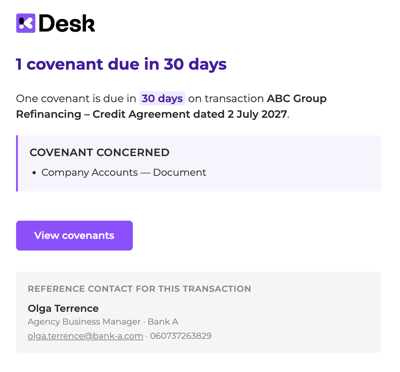
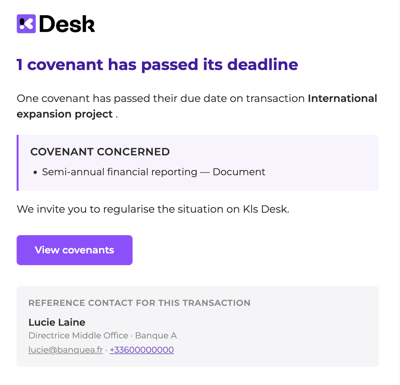
- Depending on the covenant settings: alerts for upcoming covenant deadlines or missed deadlines
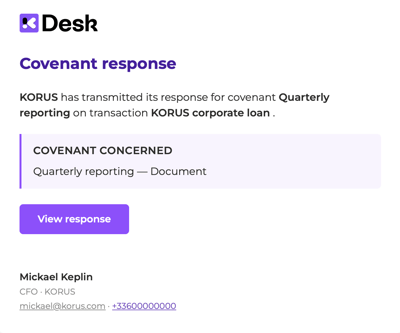
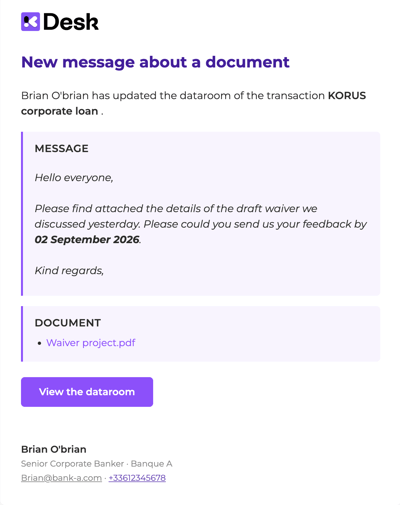
- Following an action by a stakeholder: the Borrower’s response to a covenant, sharing a covenant review with Lenders, a summary of documents added to the data room, etc.
How do I manage automatic notifications?
As an operation manager, you have full control over the management of notifications for yourself and your stakeholders. You can modify the settings for each of your transactions at any time. See the page on notification settings.
In addition to automatic notifications, you can also send personalised notifications to your stakeholders. See the page on personalised notifications.
2. Comprehensive list of automatic notifications
The notifications below are activated by default. They can be configured at any time by the administrator.
Automatic notifications sent to the operation manager and the Borrower:
Events related to covenant:- Alerts when a control is due on D-30, D-15, D-7 and D-1
- Reminder every 15 days after a deadline has passed, if the Borrower has not yet responded
- Breach declared by a member of the management team
- Summary of covenant validated by a member of the management team
- Result declared non-compliant by a member of the management team
On dataroom activity
- Summary of documents added to the dataroom
The operation manager also receives notification when the Borrower respond to a covenant and if an entity changes its bank details.
Automatic notifications sent to Lenders:
On events related to covenant
- Summary of covenants validated by the operation manager
- A breach has been declared by the operation manager
On dataroom activity
- Summary of added documents
3. Notification examples